In this step you will be deploying [AWS Web Application Firewall, or just WAF] to protect previously deployed and loadtested serverless API.
WAF Resources, like most of other AWS resources can be described using
infrastructure code cloudformation template. This step's folder (step3)
contains template.yaml file, which includes all of the WAF resource definitions.
Types of resources created are:
ByteMatchSet is describing criteria for selecting particular http(s) request. In essence, MatchSets describe which incoming requests should be picked up for further processing. Read more on WAF rules and conditions
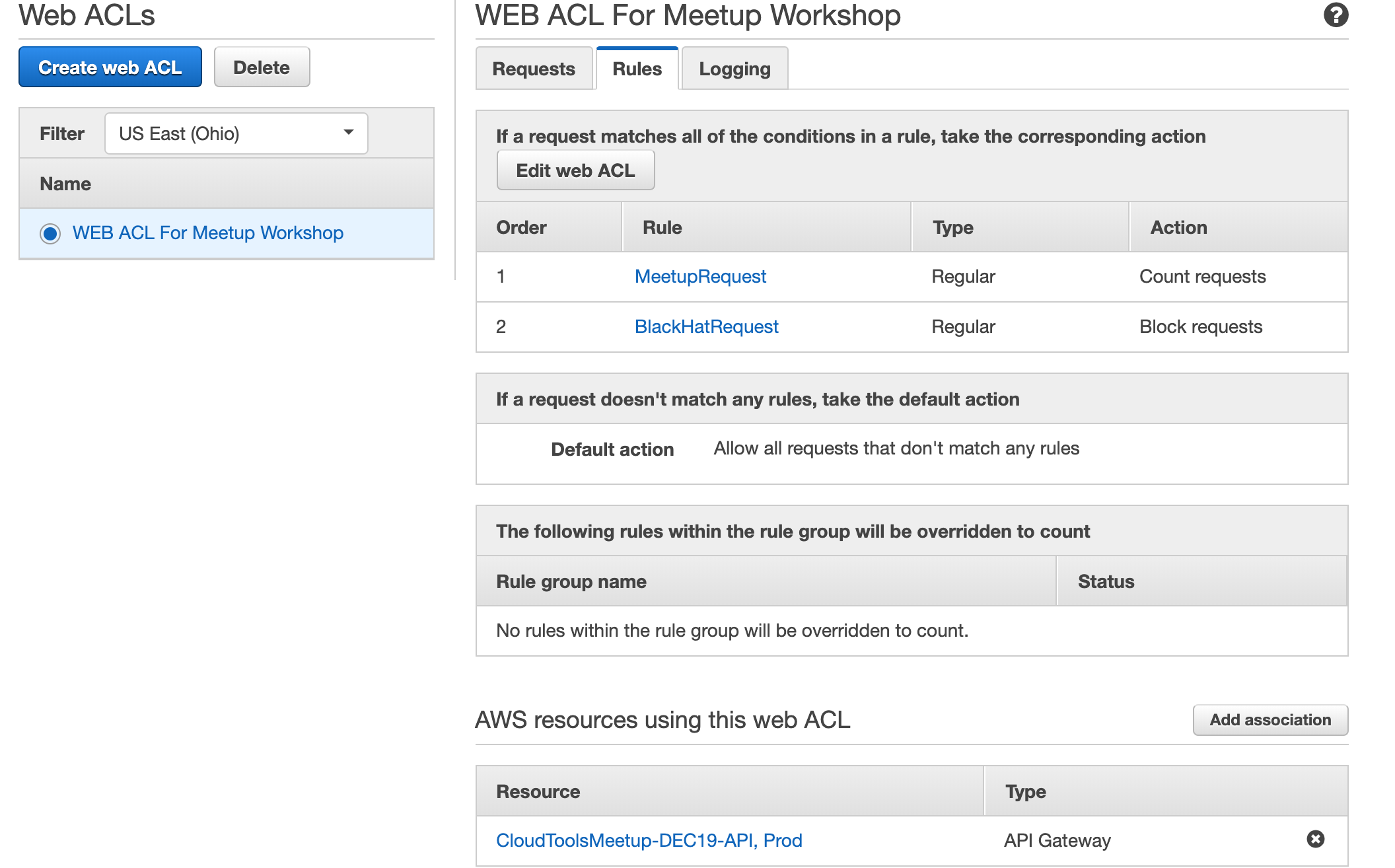
WebACLs are describing which criteria to apply to incoming requests, in what order (priority), and what to do with matching reqeustes (block, allow, count)
WebACL Association assignes ACL to an inbound http(s) traffic resource, such as API Gateway, Application Load Balancer or CloudFront distribution
We will be simulating 2 scenarios - counting particular requests AND blocking malicous requests.
There will be 2 rules deployed:
- One for counting any request with
x-from: awsworkshopheader - One for blocking any request with
x-from: blackhathackerheader
$ cd step3
$ aws cloudformation deploy --template-file template.yaml --stack-name CloudToolsMeetup-DEC19-WAF
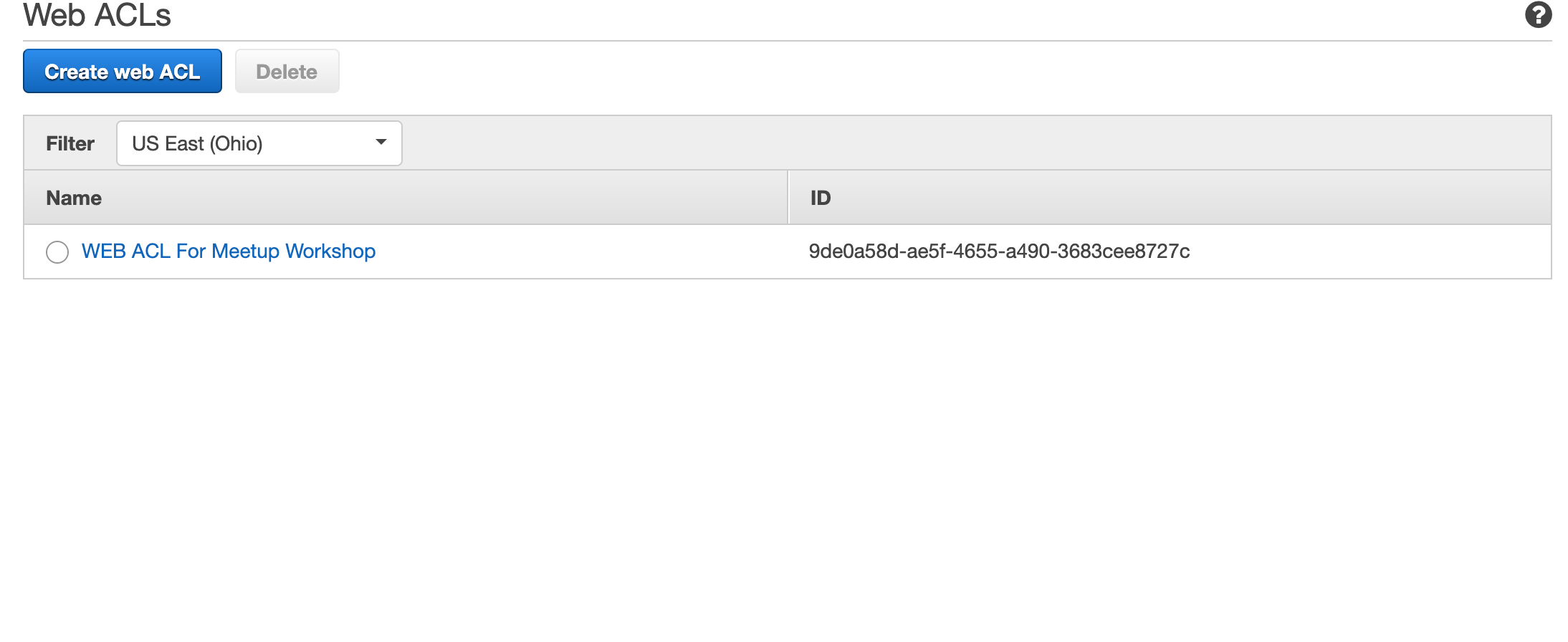
Go to WAF Console to check for created WebACL and rules
Please note that if you're not following the link above and you go to WAF console directly you're landing on 'New AWS WAF', switch to 'AWS WAF Classic' to find your new created WAF resources by clicking "Switch to AWS WAF Clasic" link at left-pane menu.