


Fork of pjsekai-overlay by TootieJin, an open-sourced tool to make Project Sekai Fanmade (custom chart) videos. This tool provides an identical look to how custom charts should look like in the official game, while giving users the ability to 'manipulate' their UI using the video editor.
Caution
Before using pjsekai-overlay-APPEND: This tool is primary only for people with technical know-how and basic knowledge of AviUtl.
Only use this tool if you can figure it out yourself. If problems arise, please make a discussion thread.
Please also read the Terms of Use after using the tool.
This is a forked version of pjsekai-overlay with additional features originally not in the main repo, including:
- AviUtl ExEdit2 Full Support
- Extra assets
- Added/adjusted elements to look identical to the official photography
- Quickly make 1080p videos
- iPad (4:3) video support
- Ability to use the English AviUtl
- v1 UI skin (Full support)
- Automatically changes chart difficulty to generate in AviUtl based on chart tag (or title)
- (AviUtl ExEdit2 ONLY) Supports very big number (~ 1.7e+307) using lua-bignumber
- Various UI customization
- Animated Scoring
- Adjust animation speed in different elements
- Interchangable AP Combo
- Interchangable judgement type (PERFECT/GREAT/GOOD/etc.)
- Interchangable LIFE value
- Skill Effects (v1 & v3) + UI (v3)
- Achievement Rate
- Additional support for more servers:
- Score Maker:
pjsk-: 譜面メーカー / Score Maker
- Official server(s):
sekai-best-: Sekai Viewer (sonolus.sekai.best)sss-: Sbuga's Sonolus Server (sonolus.sbuga.com)
- Custom server(s):
chcy-: Chart Cyanvas0: Archive(cc.sevenc7c.com)(cc.milkbun.org)1: Offshoot server (chart-cyanvas.com)
ptlv-: Potato Leaves(ptlv.sevenc7c.com)(ptlv.milkbun.org)utsk-: Untitled Sekai (us.pim4n-net.com)UnCh-: UntitledCharts (untitledcharts.com)custom-[Chart ID]: Custom Server (Source URL)
- Independent server(s):
lalo-: laoloser's server (sonolus.laoloser.com)skyra-: osciris's server (Skyra)
- Local server(s):
sync-: Local Server (ScoreSync + ScoreSync Modern)
- Score Maker:
pjsekai-overlay-APPEND.mp4
pjsekai-overlay-APPEND.4-3.mp4
pjsekai-overlay-APPEND.v1.mp4

- TootieJin

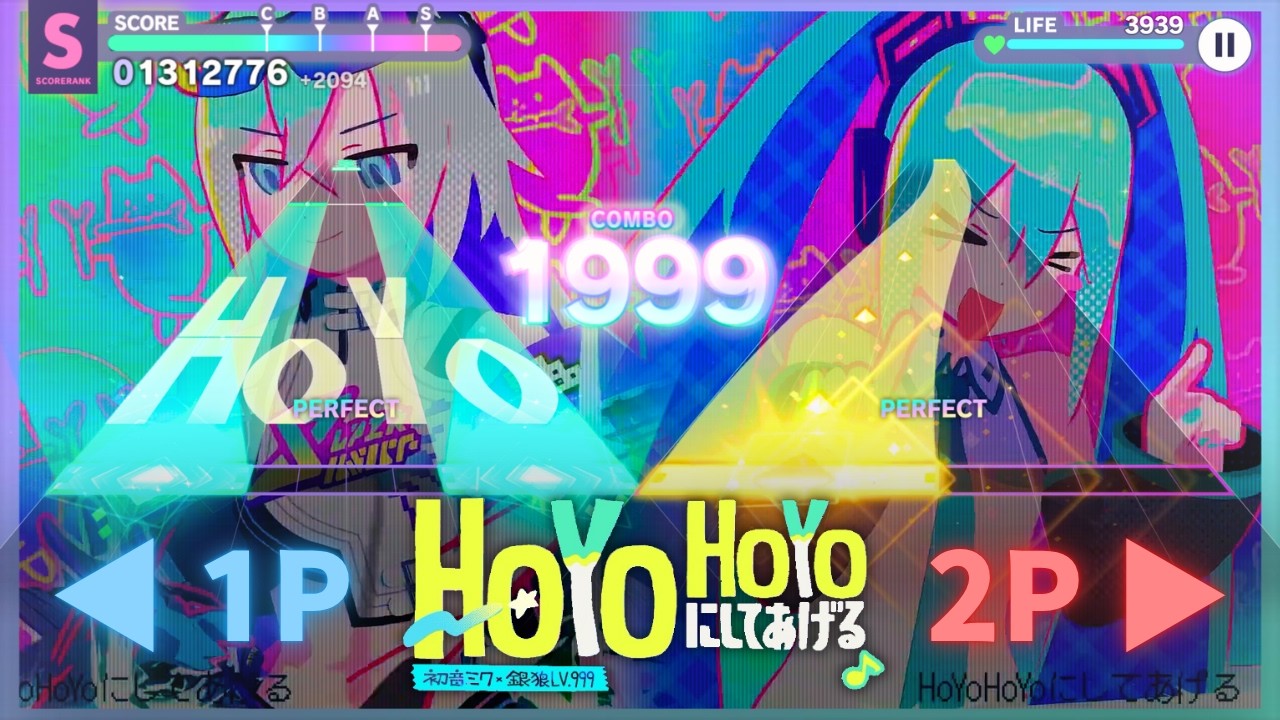
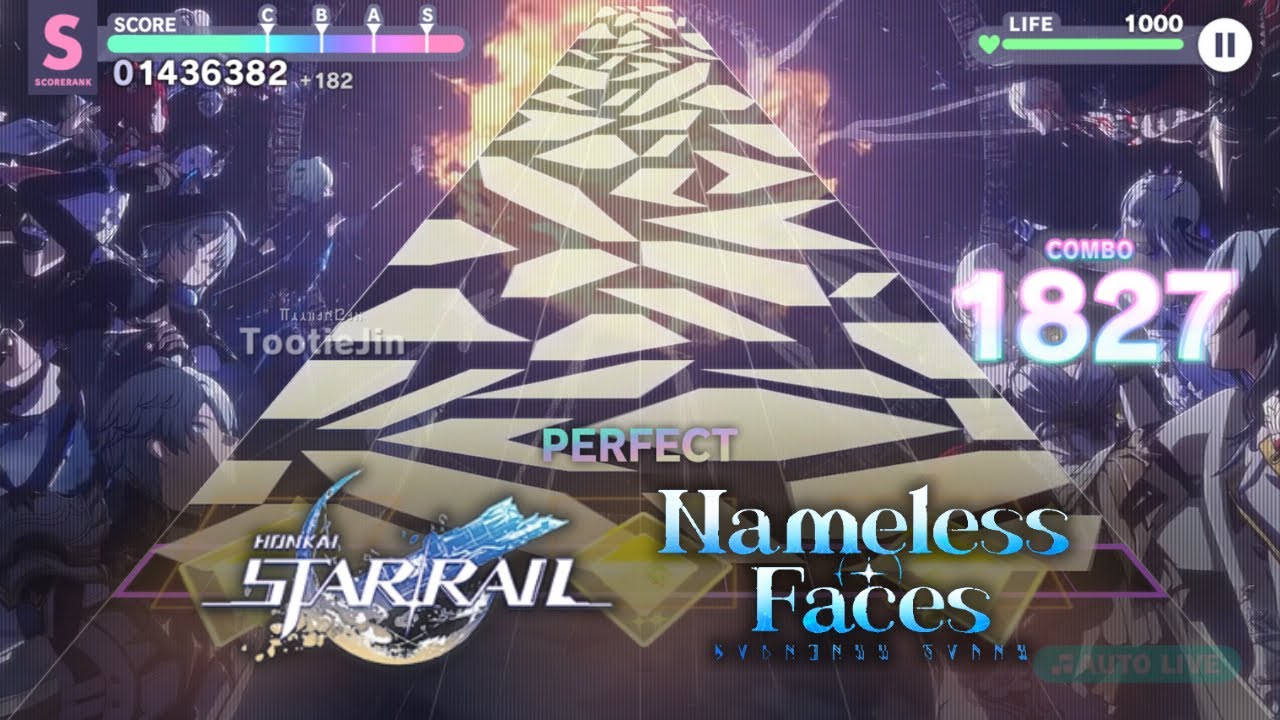
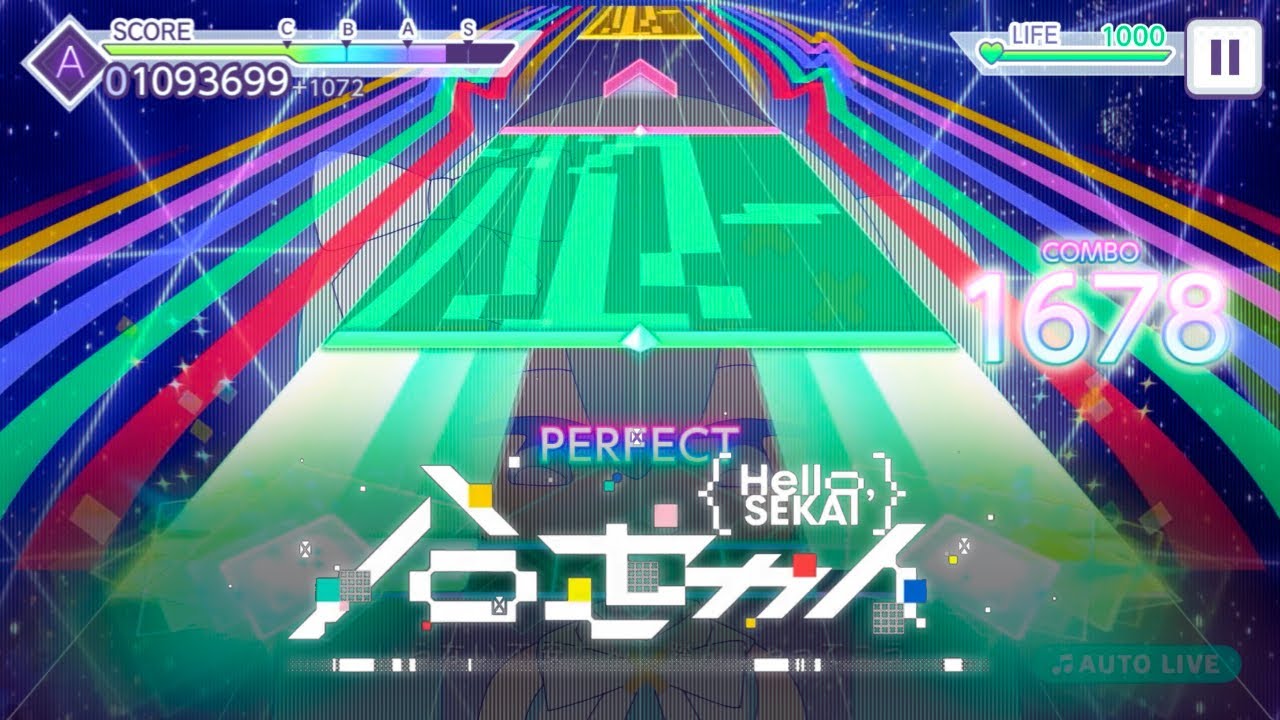
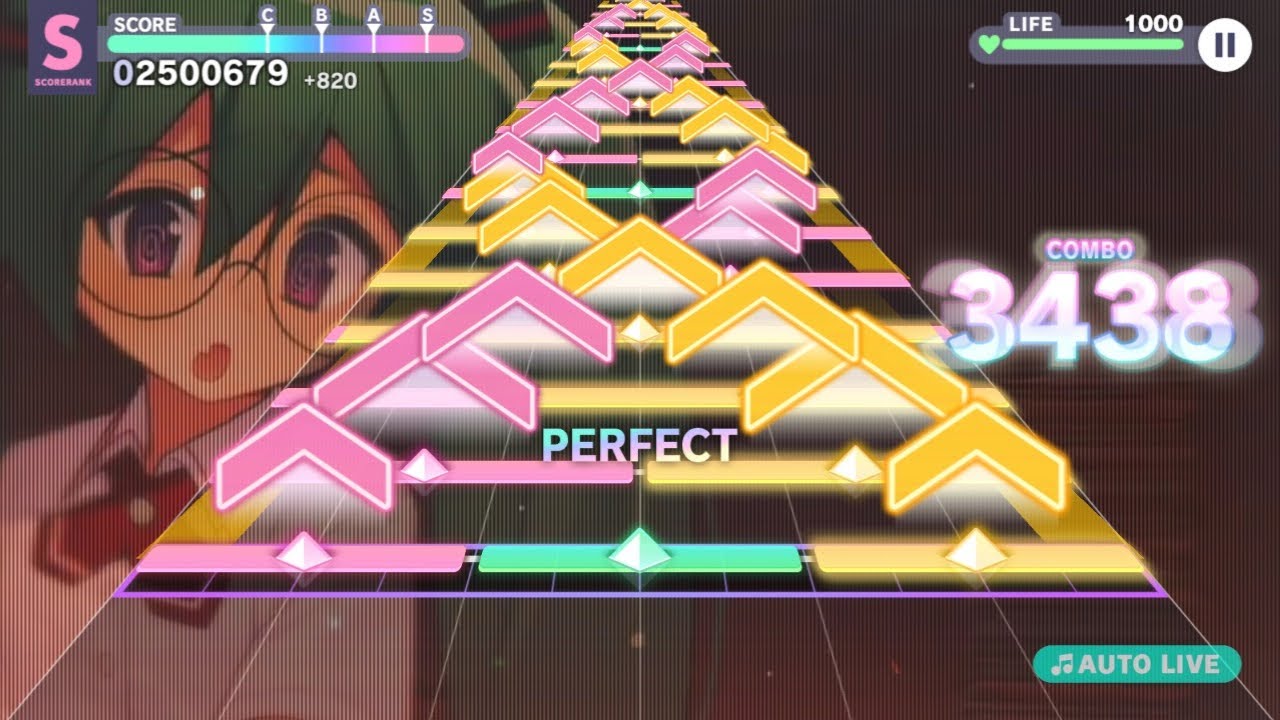
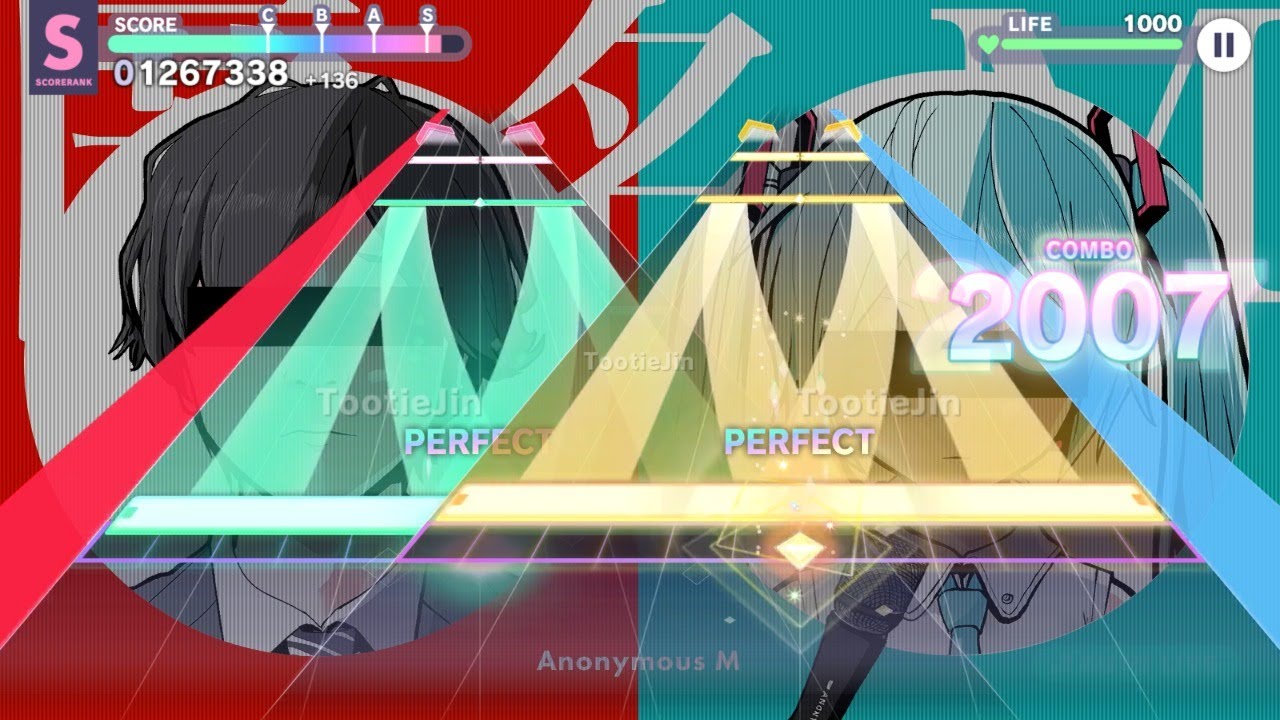
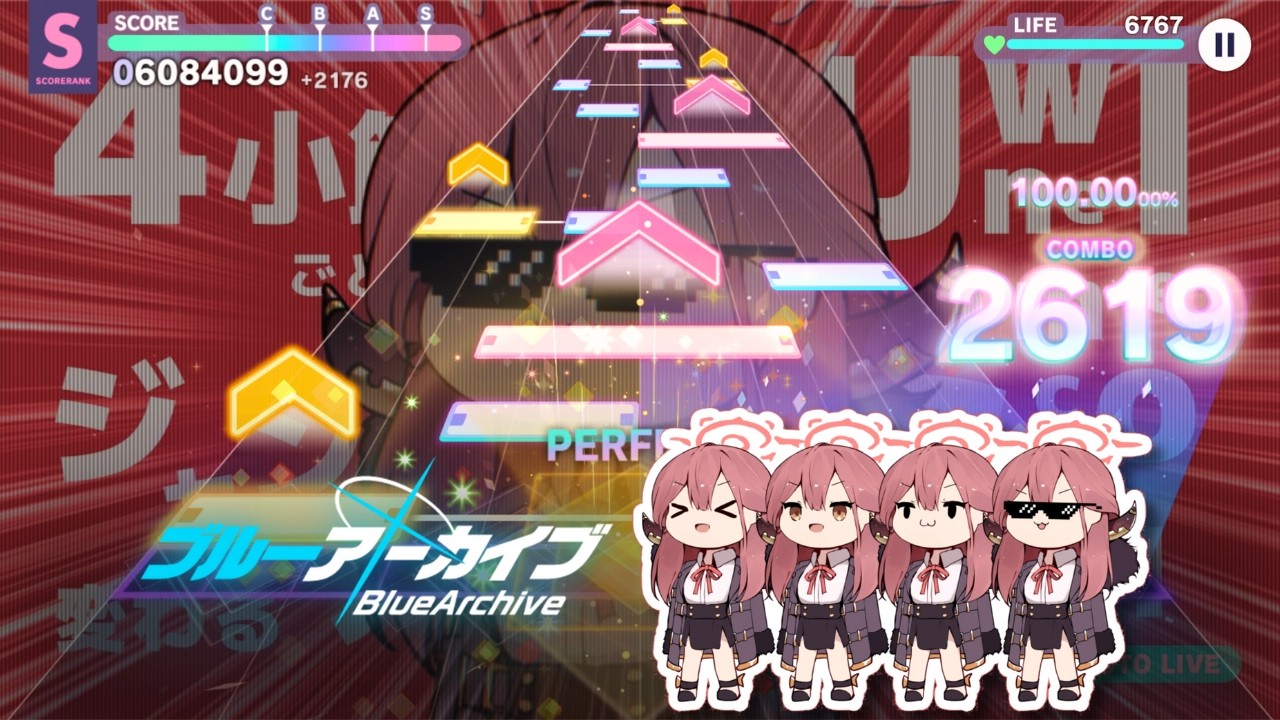
- Runakkushia

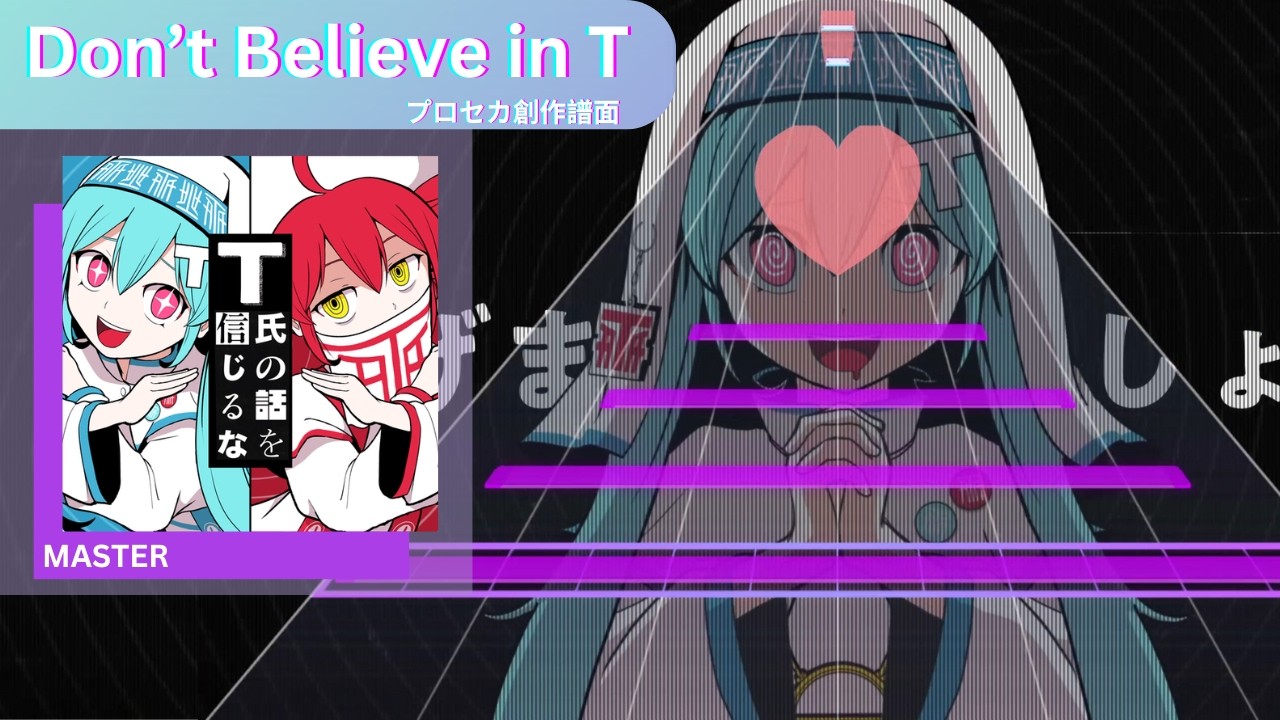
- (REQUIRED) In the description of your video, you must copy the text here:
EN
PJSekai-style video creation tool:
- Forked ver. by TootieJin (https://tootiejin.com) & ぴぃまん (https://pim4n-net.com)
- Developed by 名無し。 (https://sevenc7c.com)
   https://github.com/TootieJin/pjsekai-overlay-APPEND
JP
プロセカ風動画作成補助ツール:
- フォーク:TootieJin氏 (https://tootiejin.com) & ぴぃまん氏 (https://pim4n-net.com)
- 作成:名無し。氏 (https://sevenc7c.com)
   https://github.com/TootieJin/pjsekai-overlay-APPEND
- This tool should not be used for malicious purposes (such as spreading misinformation on social media).
- The author assumes no responsibility whatsoever for any issues or disadvantages arising from the use of this tool.
| AviUtl | AviUtl ExEdit2 (Recommended) |
|---|---|
| AviUtl + Advanced Editing plug-in + L-SMASH Works + easymp4 (JP Installation Guide) - JP installer: AviUtl JP Installer Script - EN installer: AviUtl EN Extra Pack Import all plugins to aviutl\Plugins folder |
AviUtl ExEdit2 (via installer) + L-SMASH Works + MP4Exporter - English language can be selected in 設定 > 言語の設定 > English (Settings > Language > English)Import AviUtl2\lwinput.aui2 & MP4Exporter.auo2 plugin to C:\ProgramData\aviutl2\Plugin folder |
- PowerShell
- Fonts: RodinNTLG DB + EB
- Your system locale must be
Japanese (Japan)(Go here for how to change it) - Japanese Language Pack must be installed (Go here for installation instructions)
- Basic knowledge of AviUtl
We've moved the guide to the wiki page.
Note
Please check the wiki often, as we may update information.
- @sevenc-nanashi for developing the pjsekai-overlay & pjsekai-background-gen-rust tool!
- @Piliman22 for contribution to make ScoreSync in pjsekai-overlay possible!
- @Reiyunkun and @gaven1880 for providing additional PJSK assets!
- @Khronophobia for the customized lane assets in Blender!
- @sevenc-nanashi for the AviUtl2 Community Translation script!
- @MattMayuga for the customized judgement fonts!
- And everyone who used my tool, thank you all so much.
TootieJin氏によるpjsekai-overlay用フォーク。pjsekai-overlay(-APPEND) は、プロセカの創作譜面をプロセカ風の動画にするためのオープンソースのツールです。このツールは、公式ゲーム内で創作譜面がどのように表示されるべきかと同じ見た目を再現すると同時に、ユーザーが動画編集ソフトを使ってUIを「操作」できるようにします。
Caution
pjsekai-overlay-APPEND使用前に: このツールは主に、技術的な知識とAviUtlの基本的な理解がある方のみを対象としています。
自分で理解できる方のみご使用ください。問題が発生した場合は、議論スレッドを作成してください。
ツール使用後は、利用規約も必ずお読みください。
これはpjsekai-overlayのフォーク版で、元々メインレポにはない以下のような追加機能があります:
- AviUtl ExEdit2 フル対応
- 追加アセット
- 本家撮影と同じように見えるように要素を追加/調整
- 1080p動画を素早く作成
- iPad(4:3)動画対応
- 英語版AviUtlの使用機能
- v1 UIスキン(フル対応)
- 譜面のタグ(またはタイトル)に基づいて、AviUtlで生成される譜面の難易度を自動的に変更する
- (AviUtl ExEdit2 のみ) lua-bignumberを使用して非常に大きな数値(~ 1.7e+307)を対応
- 各種UIカスタマイズ
- アニメーション付きスコア表示
- 異なる要素でアニメーション速度を調整する
- 交換可能なAPコンボ
- 交換可能な判定タイプ(PERFECT/GREAT/GOODなど)
- 交換可能なライフ値
- スキル効果(v1とv3)+UI(v3)
- 達成率表示
- 追加サーバーの対応:
- 譜面メーカー:
pjsk-: 譜面メーカー / Score Maker
- 公式サーバー:
sekai-best-: Sekai Viewer (sonolus.sekai.best)sss-: SbugaのSonolusサーバー (sonolus.sbuga.com)
- カスタムサーバー:
chcy-: Chart Cyanvas0: アーカイブ(cc.sevenc7c.com)(cc.milkbun.org)1: 分岐サーバー (chart-cyanvas.com)
ptlv-: Potato Leaves(ptlv.sevenc7c.com)(ptlv.milkbun.org)utsk-: Untitled Sekai (us.pim4n-net.com)UnCh-: UntitledCharts (untitledcharts.com)custom-[譜面ID]: カスタムサーバー(ソースURL)
- 独立サーバー:
lalo-: laoloserのサーバー (sonolus.laoloser.com)skyra-: oscirisのサーバー (Skyra)
- ローカルサーバー:
sync-: ローカルサーバー (ScoreSync + ScoreSync Modern)
- 譜面メーカー:
- TootieJin
- Runakkushia
- (必須) 動画の説明文に、こちらのテキストをコピーしてください:
EN
PJSekai-style video creation tool:
- Forked ver. by TootieJin (https://tootiejin.com) & ぴぃまん (https://pim4n-net.com)
- Developed by 名無し。 (https://sevenc7c.com)
   https://github.com/TootieJin/pjsekai-overlay-APPEND
JP
プロセカ風動画作成補助ツール:
- フォーク:TootieJin氏 (https://tootiejin.com) & ぴぃまん氏 (https://pim4n-net.com)
- 作成:名無し。氏 (https://sevenc7c.com)
   https://github.com/TootieJin/pjsekai-overlay-APPEND
- 決して悪意のある使用をしないでください。(SNS上でデマを流すために使う等)
- このツールを使ったことによるトラブルや不利益などが発生しても、作者は一切の責任を負いません。
| AviUtl | AviUtl ExEdit2 (推奨) |
|---|---|
| AviUtl + 拡張編集プラグイン + L-SMASH Works + easymp4 - インストーラー: AviUtl インストーラースクリプト すべてのプラグインを aviutl\Plugins フォルダにインポートする |
AviUtl ExEdit2 (インストーラ版) + L-SMASH Works + MP4ExporterAviUtl2\lwinput.aui2とMP4Exporter.auo2プラグインをC:\ProgramData\aviutl2\Pluginフォルダにインポートする |
- PowerShell
- フォント: ロダンNTLG DB + EB
- システムロケールは 必ず「日本語(日本)」 に設定してください (変更方法はこちら)
- 日本語言語パックをインストールする必要があります (インストール手順はこちら)
- AviUtlの基本的な知識
ガイドはWikiページに移動しました。
Note
情報を更新する場合がありますので、Wikiを頻繁に確認してください。
- @sevenc-nanashi氏によるpjsekai-overlayとpjsekai-background-gen-rustツールの開発に感謝します!
- @Piliman22氏、pjsekai-overlayにおけるScoreSyncの実現に貢献いただき感謝申し上げます!
- @Reiyunkun氏、@gaven1880氏による追加のプロセカアセットの提供に感謝します!
- @Khronophobia氏にはBlenderでのカスタムレーンアセットを提供いただきました!
- @sevenc-nanashi氏によるAviUtl2の非公式多言語翻訳スクリプト!
- @MattMayuga氏によるカスタマイズされた判定フォント!
- そして私のツールを使ってくださった皆様、本当にありがとうございます。

