
The free and open-source project behind Google Chrome
If you want to contribute, edit the templates/README.md.erb instead of this README.md file. It is automatically generated from the template.
Features
Advanced
Privacy
- 🟢 Stable builds
- ⚫ Development/beta builds
- 🟡 Canary builds
- 🔴 Development builds (official repository)
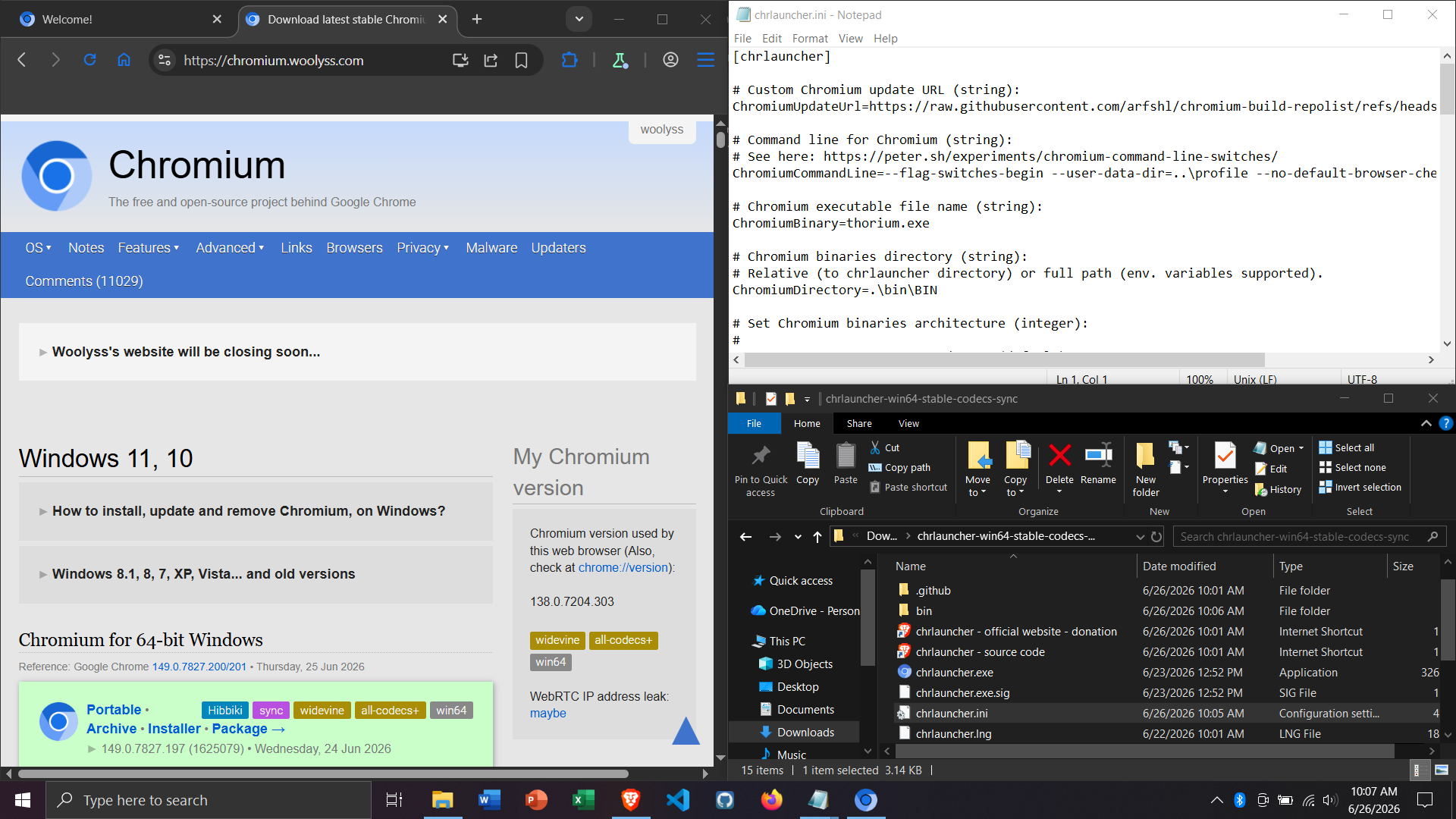
How to install, update and remove Chromium, on Windows?
About updates: your settings, bookmarks, extensions, history, passwords, cookies... will be saved. Do not worry! For automated updates, choose one of the Chromium #updaters
Installer
- Download the EXE executable file (This is a 7-zip) self-extracting archive. So you can unzip it to see its content)
- Close Chromium browser if opened
- Execute this EXE file
- Wait for 2 or 3 seconds (Installation is silent)
- Open Chromium browser. It is updated!
- To remove it definitively: use the standard way (or a software like Bulk Crap Uninstaller, Geek Uninstaller, Revo Uninstaller, Ccleaner...)
Archive
- Download the ZIP archive file
- Close Chromium browser if opened
- Unzip this ZIP file
- Delete all the files from your installation directory
- Move the files from the unzipped directory to your installation directory
- Open Chromium browser. It is updated!
- To remove it definitively: delete your installation directory
Portable Note: Chromium has #secure-preferences feature based on the machine SID. So extensions, certificates and passwords are not portable. The best way to migrate your data is to synchronize them.
- Download and unzip "chrlauncher-xxxxxxx.zip"
- Execute chrlauncher.exe (chrlauncher is a free and open-source Chromium launcher/updater)
- Close Chromium browser if a notification displays a new version
- Click on the "Download" button
- Wait for download and automatic installation
- Open Chromium browser. It is updated!
- To remove it definitively: delete the chrlauncher folder
Windows 8.1, 8, 7, XP, Vista... and old versions
Unoffcial builds of Chromium for Windows 7/8/8.1, XP and Vista are available. They are based on the latest stable version that supports these Windows versions.
Chromium-based browser who provide experience like Vanilla Chromium are also available for Windows XP/Vista/7/8/8.1.
Supermium for Windows XP/Vista/7/8/8.1
Since version 110, Chromium is not available on Windows 7, 8, 8.1, Server 2012 and Server 2012 R2 (Archive: 1) For help, version 109 works fine. The last stable version for them is 109.0.5414.120
installer, archive (win64 • stable) installer, archive (win32 • stable) installer, archive (win64 • stable • ungoogled)
Since version 89, Chromium needs a CPU with SSE3 support (Archive: PDF) For help, version 88 works fine on older CPU processors. The last stable version is 88.0.4324.190
installer, archive (win32 • stable) installer, archive (win32/win64 • stable • ungoogled)
Since version 50, Chromium is not available on XP and Vista (Archive: 1) For help, version 49 works fine. The last stable version for Windows XP and Vista is 49.0.2623.112
installer, archive (win32 • stable) Archive 1 Archive 2 portable (win32 • stable) Other old versions: portable (win32 • dev)
Since version 35, Chromium needs a CPU with SSE2 support (Archive: 1) For help, version 34 works fine on older CPU processors.
portable (win32 • dev) builds before 253860 (win32 • dev)


Thorium can used with chrlauncher for updater and it's also portable


-
🟢
 Hibiki builds
 Available in winget
To install this Chromium version on Windows 10/11 with winget package manager:
winget install Hibbiki.Chromium -
🟢
RobRich999 Chromium_Clang builds Available in winget
To install this Chromium version on Windows 10/11 with winget package manager:
winget install RobRich999.Chromium_Clang.AVX # for AVX version winget install RobRich999.Chromium_Clang.AVX2 # for AVX2 version winget install RobRich999.Chromium_Clang.AVX512 # for AVX512 version -
🟢
ungoogled-chromium builds Available in winget
To install this Chromium version on Windows 10/11 with winget package manager:
winget install eloston.ungoogled-chromium

-
🟢
Available in winget
To install Thorium on Windows 10/11 with winget package manager:
 winget install Alex313031.Thorium # for SSE3 version
 winget install Alex313031.Thorium.AVX2 # for AVX2 version
How to install, update and remove Chromium, on macOS?
About updates: your settings, bookmarks, extensions, history, passwords, cookies... will be saved. Do not worry! For automated updates, choose one of the Chromium #updaters
Installer
- Download the DMG file
- Close Chromium browser if opened
- Execute this DMG file
- Drag its icon on Applications folder
- You may then "Eject" and throw away this disk image
- To remove it definitively: drag the app from the Applications folder to the Trash.
Archive
- Download the ZIP archive file
- Close Chromium browser if opened
- Unzip this ZIP file
- Double click on the unzipped folder to open it
- Drag its icon on Applications folder
- To remove it definitively: drag the app from the Applications folder to the Trash

- 🔴 Archive

Since version 39, Chromium and Google Chrome are not available in 32-bit version for macOS.
How to install, update and remove Chromium, on Linux distributions?
How to install, update and remove Chromium, on Linux distributions?
In most cases, Chromium is directly available in the official repository of each Linux distribution. So it is easy to install, update and remove it via the integrated software/package manager or in command-lines.
There also Snap and Flatpak packages are available and sometimes more up-to-date than the official repository. So you can use them if you want to have the latest version of Chromium.
For more info, check a list of software package management systems.

- 🔴 Archive


-
🟢
Arch Linux Available in the official repository
sudo pacman -S chromium -
🟢
Debian Available in the official repository
To install the stable Chromium version on Debian:
sudo apt update sudo apt install chromium chromium-l10n -
🟢
Fedora Available in the official repository
To install the stable Chromium version on Fedora:
sudo dnf update sudo dnf install chromium -
🟢
Linux Mint Available in the official repository
To install the stable Chromium version on Linux Mint:
sudo apt update sudo apt install chromium -
🟢
Manjaro Available in the official repository
To install the stable Chromium version on Manjaro:
sudo pacman -S chromium -
🟢
Puppy Linux Available in the official repository
Follow the posts at Announcements about LxPup, ScPup, UPups, Chromium, LXQt, Kernels etc.
-
Install it via Menu → Internet → Get Web Browser
-
-
🟢
openSUSE Available in the official repository
To install the stable Chromium version on openSUSE:
sudo zypper update sudo zypper install chromium -
🟢
RHEL 7+ and its clone Available in the EPEL repository
To install the stable Chromium version on RHEL 7+:
sudo yum install epel-release sudo yum install chromium -
🟢
Slackware Unavailable in the official repository but you can install it!
Please visit https://blog.slackware.nl/chromium-for-slackware-with-salt-and-pepper/
-
🟢
Ubuntu Unavailable in the official repository (since Ubuntu 19.10+) but you can install it!
The Snap version For Ubuntu 19.10+, use the snap package (Deb to snap transition article).
sudo snap install chromium -
🟢
Flatpak Available in flathub.org
To install the stable Chromium with flatpak package:
flatpak install flathub org.chromium.ChromiumTo install ungoogled-chromium with flatpak package:
flatpak install flathub io.github.ungoogled_software.ungoogled_chromium -
🟢
Snap Available in snapcraft.io
To install the stable Chromium with snap package:
sudo snap install chromiumTo install the ffmpeg codecs for Chromium with snap package:
sudo snap install chromium-ffmpeg -
🟢
Chromium OS Info
Chromium OS is the open-source OS designed by Google that primarily runs web applications. Based on Gentoo, it exists since 2009. Chromium is its default web browser. Google Chrome OS (closed-source) is based on Chromium OS.
Free and open-source releases:
Linux Chromium OS Full (Builds compiled by the official buildbot • Snapshots repository)
-
🟢
FreeBSD -
🟢
OpenBSD Available in OpenBSD Ports
Info:
Chromium at OpenBSD ports and [OpenBSD source code}(https://cvsweb.openbsd.org/cgi-bin/cvsweb/ports/www/chromium/)


Chromium on iOS is a big fake!
Check the official blog post and build instructions to understand that Chromium cannot use the existing content/implementation, which is based on V8/Blink. It is just a skin on top of Safari. Go your way!