


The FineDeliver mobile app is built for users who can register in the app and find delivery details. Users can register and post a delivery, and find out what deliveries are available for distribution. This alpha release does not include the complete requirements and interface. This project has been developed as an open source for educational purposes.
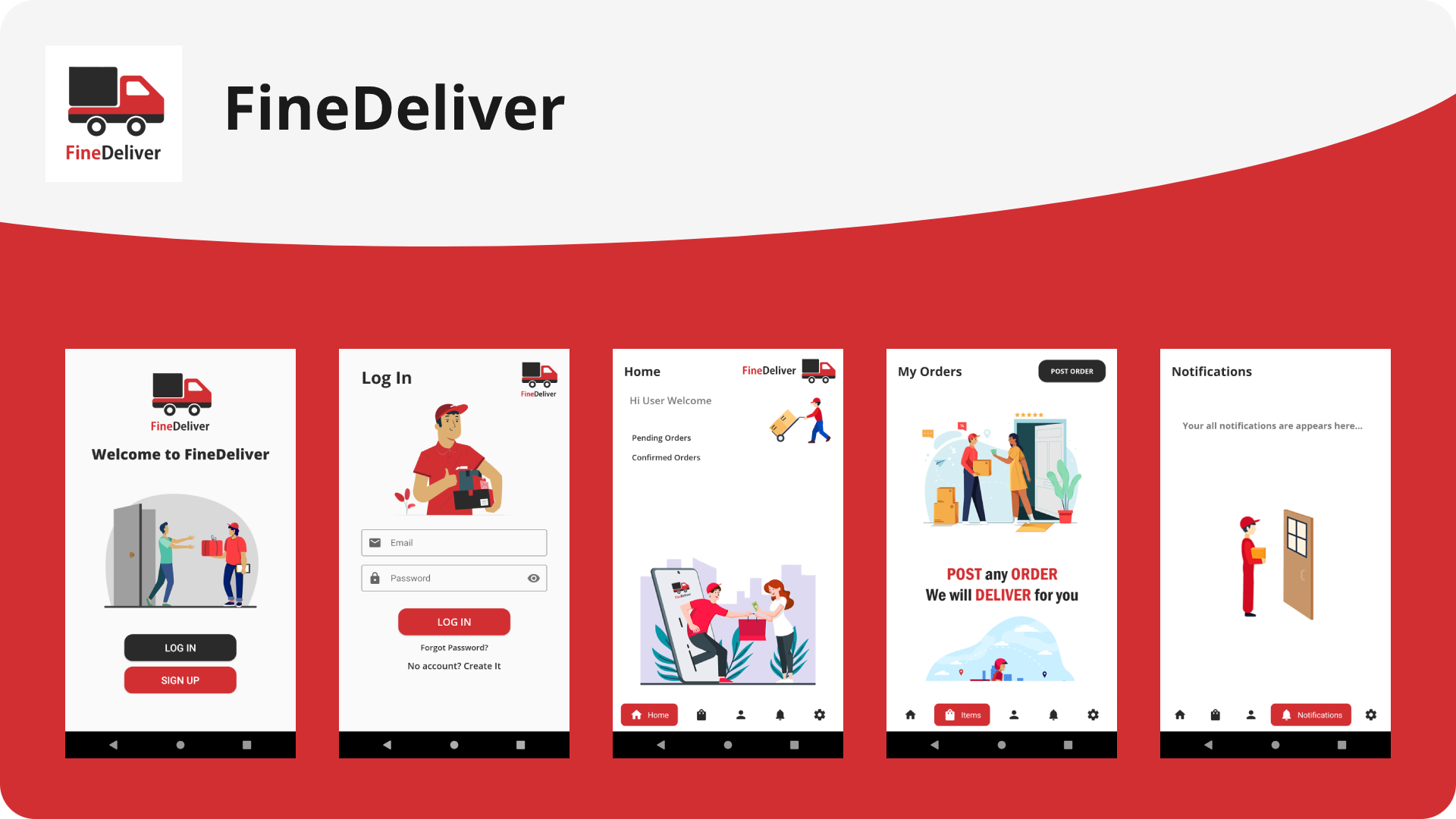
Click the link or image below to view the demo video on YouTube.
🔗 https://youtu.be/7RVSHpwieSQ

Release Version - 1.0.0
Initial release date - March 4, 2021
Note
This repository is a clean re-upload to my new GitHub account. No new features or functionality have been added. Minor compatibility fixes may have been applied to ensure the project runs correctly in the current environment. Please note that the original commit history from the previous account is not preserved. This update is primarily for migration purposes.
Initial release date: March 4, 2021
Migration date: December 30, 2025
Last review date: December 31, 2025
Deployment is not currently in use
- Java
- Android
- Firebase
- Android Studio
Before you get started, follow these requirements
- Firebase project
- Google maps API
- Android compile SDK 29 (API 29: Android 10.0(Q)) or later
- Android min SDK 23
- Android build tool version 29.0.2
- Android gradle plugin version 4.1.2 and gradle version 6.5
- Firebase project
- Google maps API
- Android compile SDK 34 (API 34: Android 14.0) or later
- Android min SDK 23
- Android gradle plugin version 8.1.1 and gradle version 8.13
Notes:
- When upgrading AGP/Gradle, update the Gradle wrapper and follow AGP compatibility docs.
- Verify compileSdkVersion and build tools match libraries you use after upgrade.
- Keep google-services.json and Maps API configuration unchanged when upgrading. (See attachments above for file contents.)
- Download or clone the repository
- Move the project to the selected directory
- Create firebase project
- Create google maps API
- Open with Android Studio
- Add firebase file (google-services.json) and sync
- Add google maps API (google_maps_api.xml) to the location (res/values)
- Change the package name if necessary
- Clean project and rebuild project
- Do not update / upgrade gradle and other versions until the app is up and running with built versions
- Clean and build the project
- Launch AVD
- Run on the emulator
- Icons8 - https://icons8.com
- Freepik - https://www.freepik.com
- Chip Navigation Bar - https://github.com/ismaeldivita/chip-navigation-bar
- Android Image Cropper - https://github.com/ArthurHub/Android-Image-Cropper
- Glide - https://github.com/bumptech/glide
- Picasso - https://github.com/square/picasso
Thanks to everyone who supported
Dileepa Bandara
@dileepadev
https://dileepa.dev
Note
This repository may contain references to my former GitHub username (dileepabandara) and domain (dileepabandara.dev), which I no longer use. These identifiers may now belong to other parties. All current development and maintenance are conducted under my new GitHub account dileepadev and domain dileepa.dev.
If you want to contact me, leave a message via email.
- Email - contact@dileepa.dev
This project is licensed under the MIT License.
See the license file for more details LICENSE