





This extension is NOT official from the Laravel team. Take a look into the official project.
Integrates Laravel Pint into your VSCode projects for automatic code formatting.
- Install the extension (it will automatically enable only for PHP files when the extension is enabled)
- Run the following command in a terminal or console at your project's path:
composer require laravel/pint --dev- Finally, save any file and it will format it for you (remember to set up). Or press
Ctrl + Shift + Pon Windows/Linux (Cmd + Shift + Pon Mac OS) and type "Format document using Laravel Pint" this will format the current opened file.
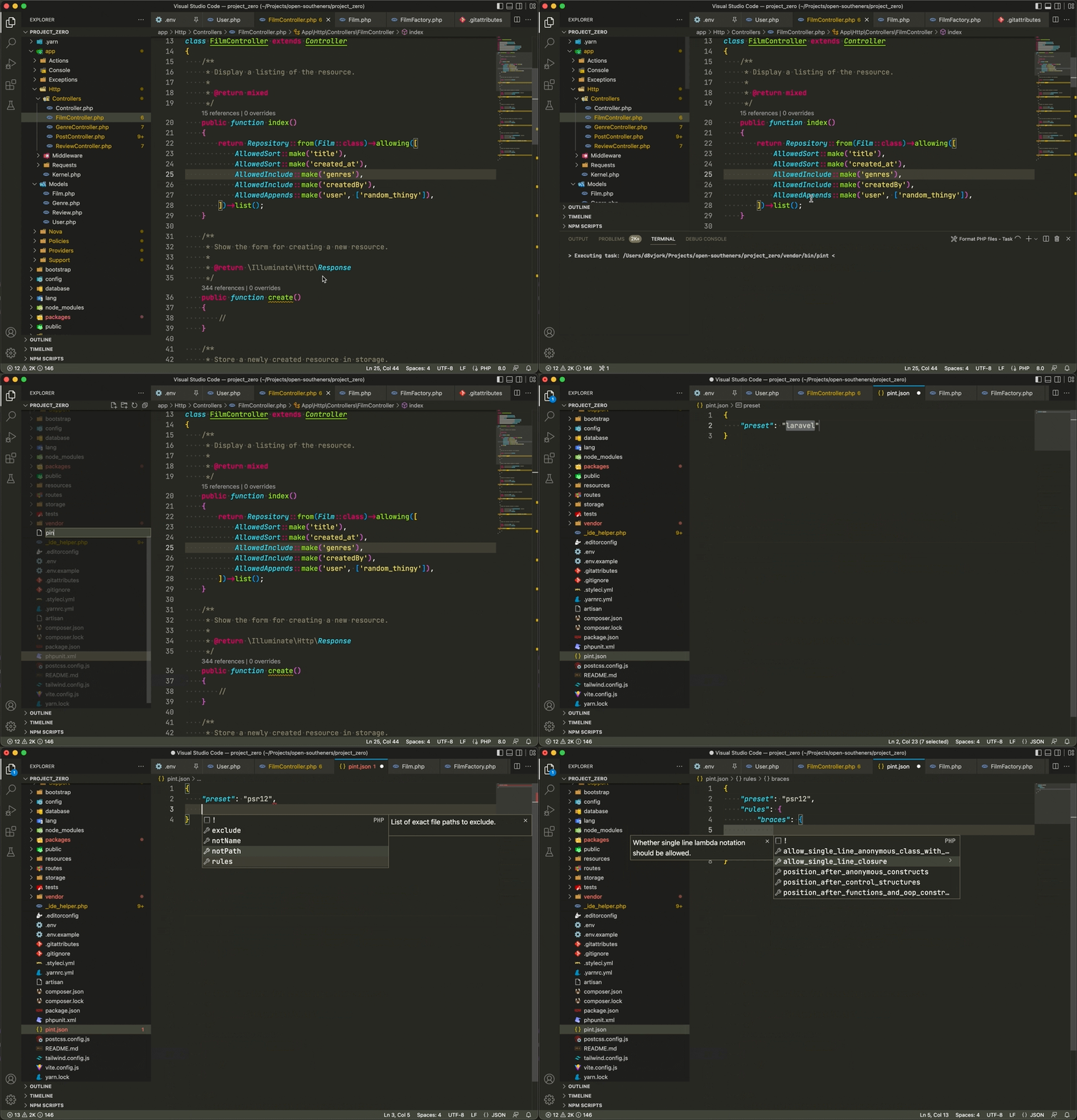
pint.jsonautocompletion and validation- Formatter for PHP files that uses Laravel Pint locally, globally, through plain Docker containers, or within Docker using Laravel Sail
- Format workspace files command to format all current active workspace PHP files
If your PHP project runs inside a regular Docker container instead of Laravel Sail, enable laravel-pint.runInDocker and configure:
laravel-pint.dockerExecutablePathlaravel-pint.dockerContainerNamelaravel-pint.dockerContainerRootPath
The extension will execute Pint through the configured container CLI and map workspace paths into the configured container root. Use docker on macOS/Linux when it is available on PATH, docker.exe/docker.cmd or an absolute Docker path on Windows, or a Docker-compatible CLI such as podman.

Logo (icon) is property of Laravel Team or Laravel Pint project.
This project is open-sourced software licensed under the MIT license.