




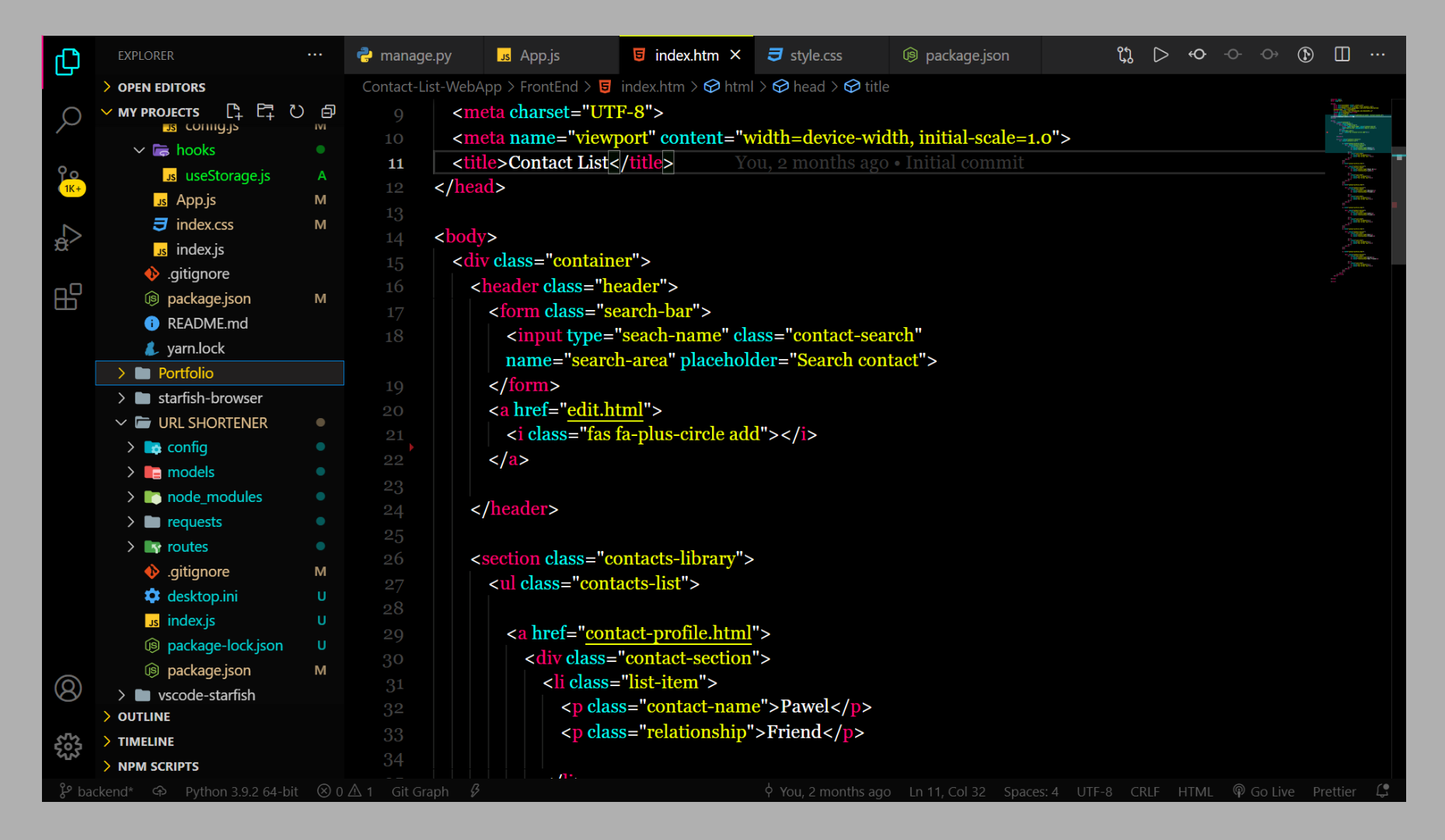
- Open Extensions from the Activity Bar in VS Code.
View → Extensions - Search for
StarFish, choose "StarFish Theme" by Pawel Borkar - Click Install
- Navigate to File > Preferences > Color Theme >
StarFish
Copyright (c) 2021 Pawel Borkar
| Name | Name | Last commit date | ||
|---|---|---|---|---|
View → ExtensionsStarFish, choose "StarFish Theme" by Pawel BorkarStarFishCopyright (c) 2021 Pawel Borkar