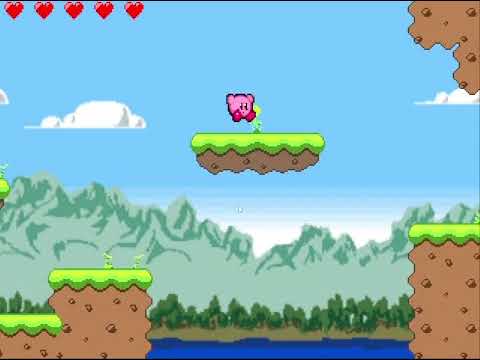
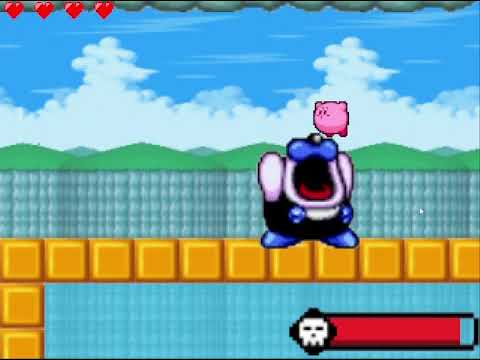
Recreation of the classic Kirby game!
Note: Audio and SFX is not included because file is too big to upload.
This project is a Java application and should be run using a Java-capable IDE or a Java runtime environment.
- Install a JDK (Java 8 or newer is recommended)
- Use an IDE that supports Java, such as VS Code with the Java extension, IntelliJ IDEA, or Eclipse
- Open the project folder in your IDE.
- Make sure the project is recognized as a Java project.
- Run the class containing the main method:
- Package:
Game - Class:
Engine - File:
src/Game/Engine.java
- Package:
- If your IDE does not detect the main class automatically, select
Game.Enginemanually as the launch entry.
- “Run Code” or single-file execution modes may not work for this project because it is a multi-file Java application.
- Use the IDE’s Java Run/Debug option instead.